

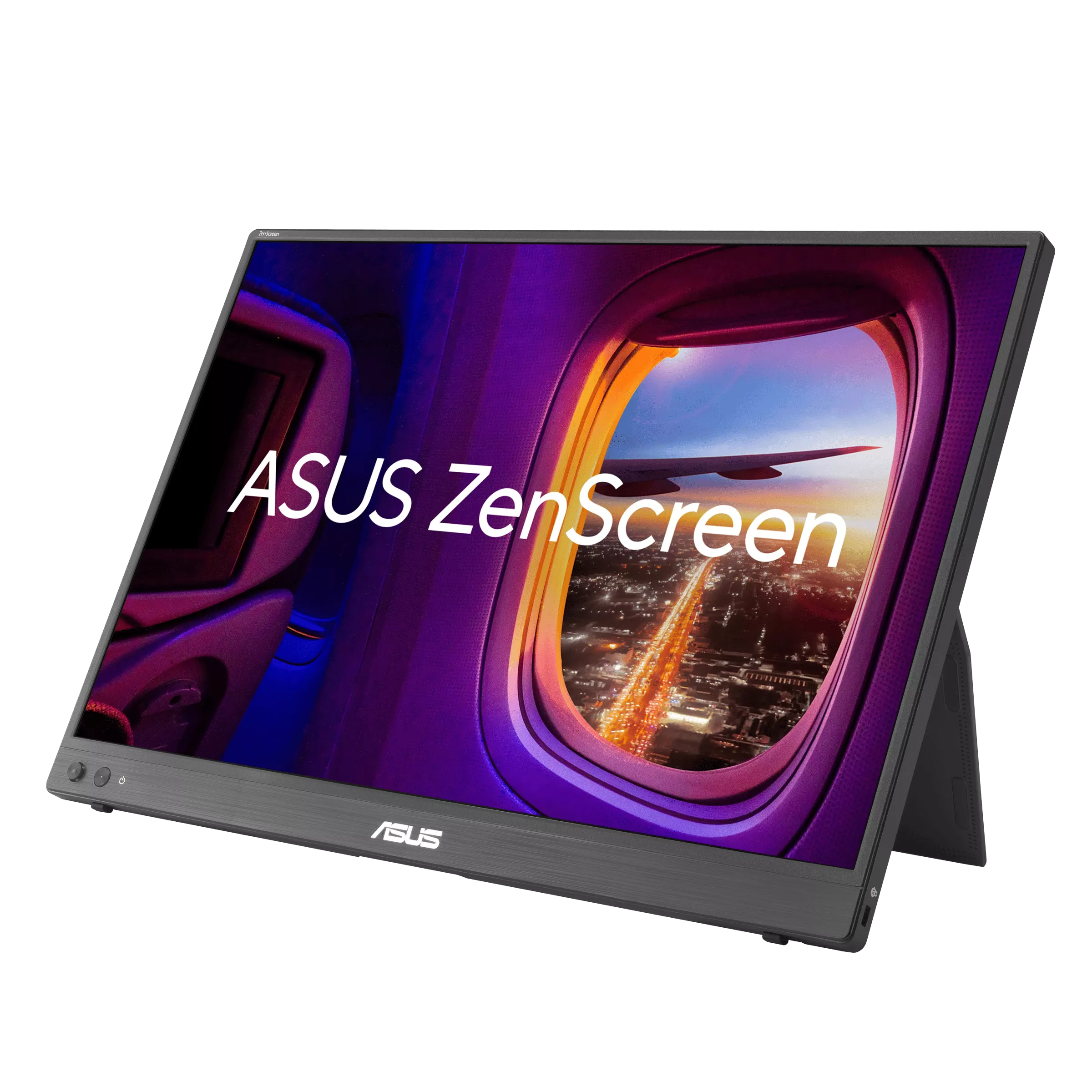
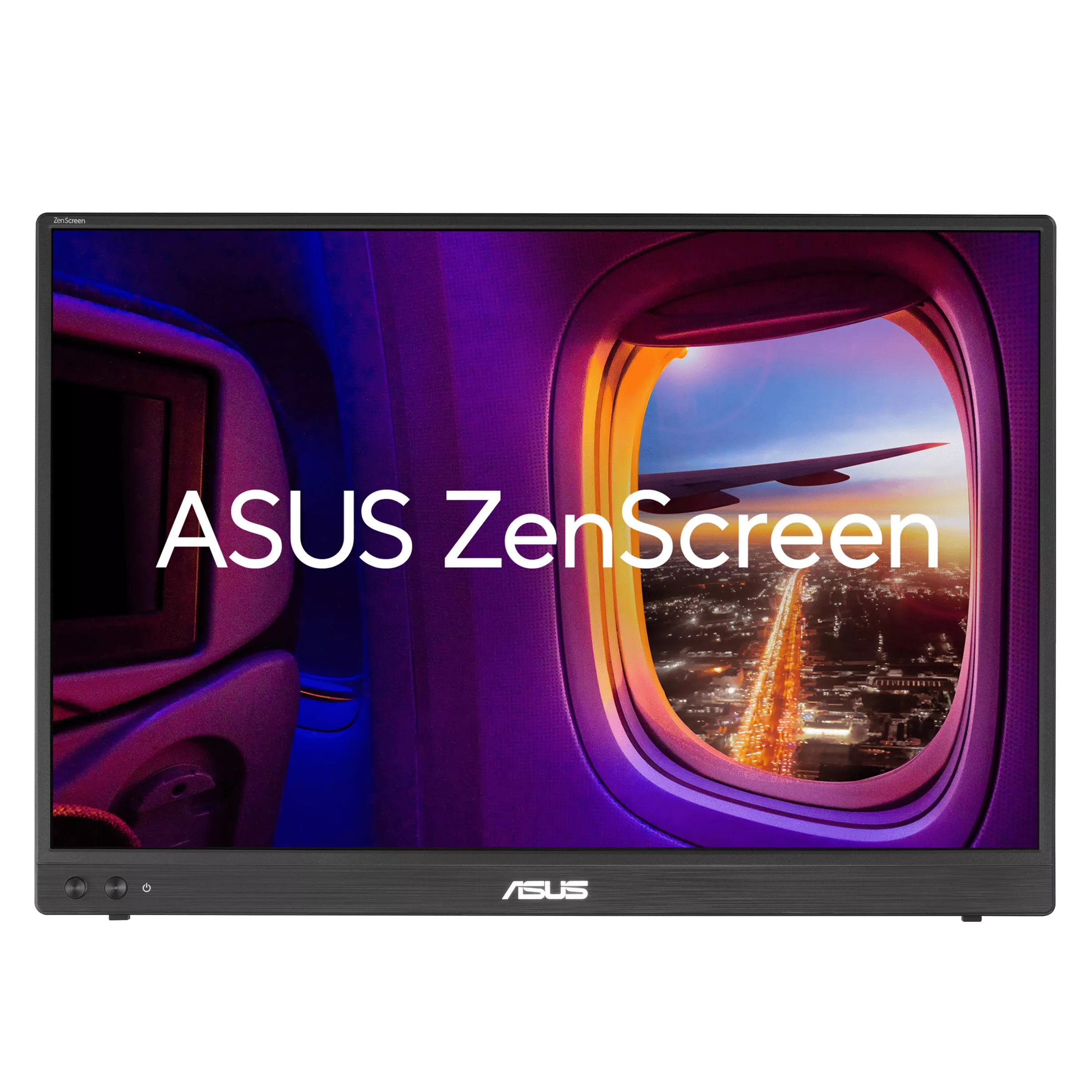
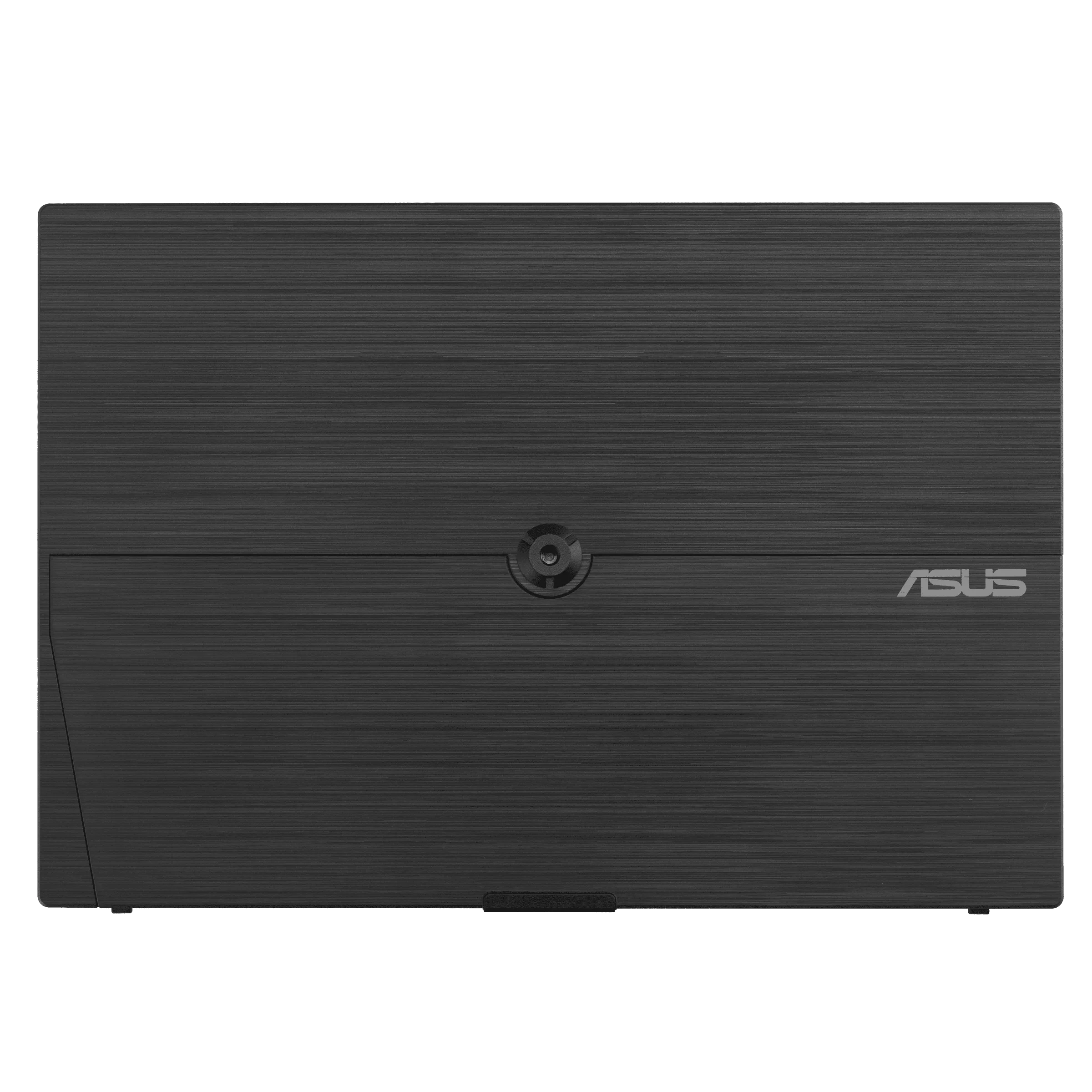
Asus ZenScreen MB16FC 16-inch IPS WUXGA Flat Design 75Hz 5ms(GTG) Flicker-free Low Blue Light Anti-Glare Monitor
Asus ZenScreen MB16FC 16-inch IPS WUXGA Flat Design 75Hz 5ms(GTG) Flicker-free Low Blue Light Anti-Glare Monitor
ASUS ZenScreen MB16FC Portable Monitor – 16-inch 16:10 WUXGA (1920 x 1200) IPS panel, Power Pass Through, Auto Rotate, tripod, USB Type-C, mini-HDMI, Flicker Free, Low Blue Light, FSC Mix-certified
- 16-inch 16:10(1920×1200) display delivers 11% more vertical viewing space than 16:9 for enhanced productivity
- With Power Pass Through, the MB16FC portable monitor can be powered by a laptop, or deliver power to a laptop via pass-through charging
- Automatically sense its orientation and switch the monitor between landscape and portrait modes via DisplayWidget Center software
- ASUS Eye Care monitors feature TÜV Rheinland-certified Flicker-free and Low Blue Light technologies to ensure a comfortable viewing experience
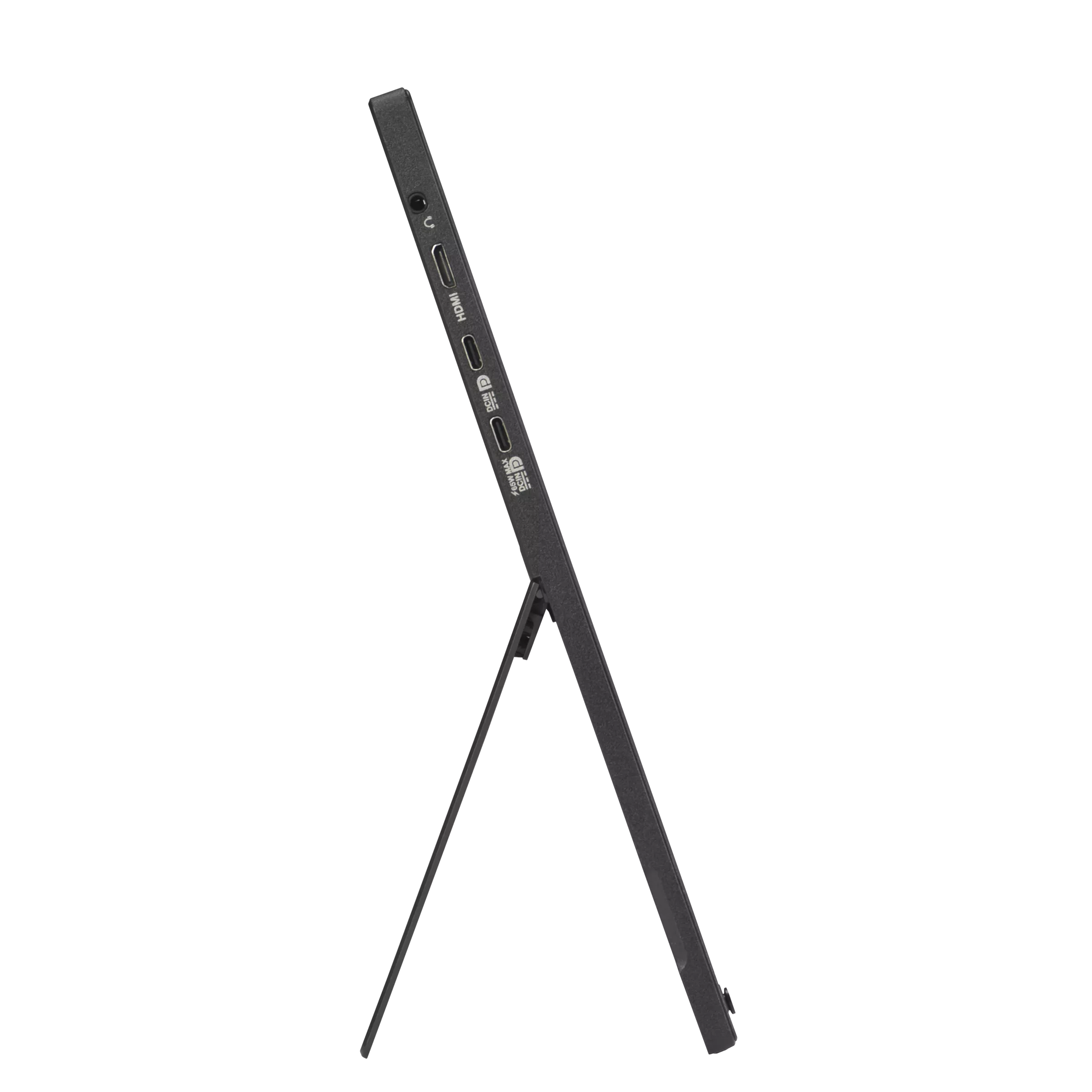
- Rich connectivity with two full-function USB-C ports plus a mini-HDMI port
₹13,590.00
CompareAsus ZenScreen MB16FC 16-inch IPS WUXGA Flat Design 75Hz 5ms(GTG) Flicker-free Low Blue Light Anti-Glare Monitor
ASUS ZenScreen MB16FC is a 16-inch portable IPS monitor featuring a WUXGA (1920 x 1200) resolution. This 16:10 display provides more viewing area, making it the ideal secondary display to extend workspace for hybrid workers. With autorotation feature, giving ZenScreen the versatility to be used in either landscape or portrait orientation. Also, with power pass-through feature and USB-C ports, you can have two-way power delivery function that offers flexibility on the go.
- 11% More Vertical Space for Better Efficiency :- See more, scroll less. With up to 11% more vertical space than 16:9, the 16:10 display fits more on screen, so you can view extra rows in documents and more lines of code for faster, more efficient workflows.
- Power pass through :- There is the two-way power delivery function built in. The MB16FC portable monitor can be powered by a laptop, or deliver power to a laptop via pass-through charging when plugged into a USB-C power bank or AC adapter and outlet*.
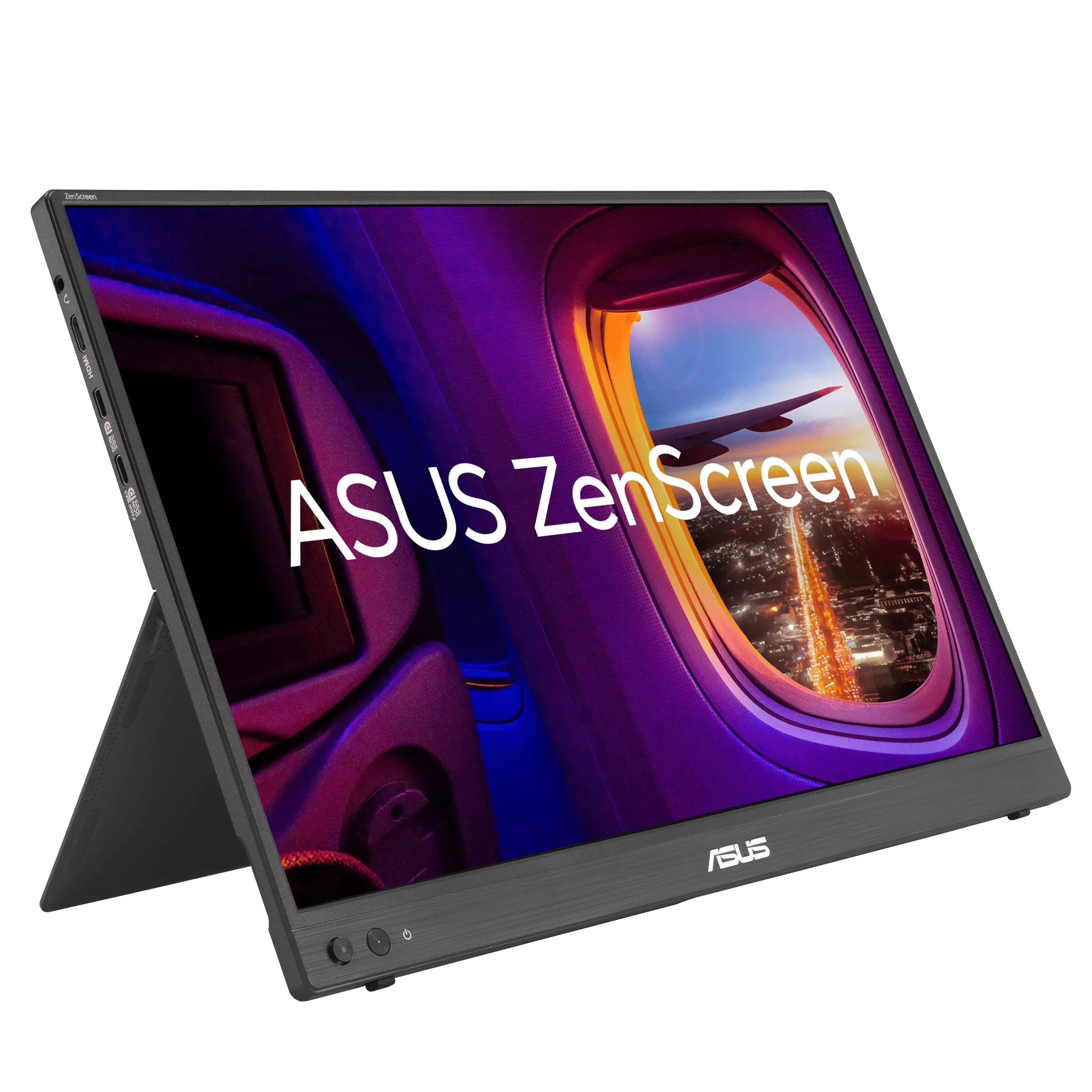
- One cable is all you need :- MB16FC features rich connectivity with dual USB-C and mini-HDMI ports. A single USB-C cable* is all you need to duplicate or extend your laptop screen. USB-C handles both power and video signal transmission, so it’s simply a matter of plug-and-play when it’s time to level up your work efficiency.
- Automatic screen orientation :- When connected to a Windows PC, the ASUS DisplayWidget Center tool* enables MB16FC to sense its orientation and automatically switches the display between landscape and portrait modes.
- ASUS Eye Care :- ASUS Ultra-Low Blue Light technology reduces potentially harmful blue light emissions and includes additional features that are beneficial to those who spend long hours in front of a display.
- Model
- ZenScreen MB16FC
- Display
- Panel Size (inch) : 16
Aspect Ratio : 16:10
Display Viewing Area (H x V) : 344.68 x 215.42mm
Display Surface : Anti-Glare
Backlight Type : LED
Panel Type : IPS
Viewing Angle (CR≧10, H/V) : 178°/ 178°
Pixel Pitch : 0.179mm
Resolution : 1920×1200
Brightness (Typ.) : 300cd/㎡
Contrast Ratio (Typ.) : 1000:1
Display Colors : 16.7M
Response Time : 5ms(GTG)
Refresh Rate (Max) : 75Hz
Flicker-free : Yes
- Panel Size (inch) : 16
- Features
- Trace Free Technology : Yes
SPLENDID Technology : Yes
Color Temp. Selection : Yes (4 modes)
Auto Rotation:Yes, supported by DisplayWidget Center
QuickFit : Yes (Photo/Alighment Grid)
HDCP : Yes, 1.4
DisplayWidget : Yes, DisplayWidget Center
Low Blue Light : Yes
Power Pass-through : Max. 65W
- Trace Free Technology : Yes
- Audio
- Speaker : No
- I/O Ports
- USB-C x 2 (DP Alt Mode)
Mini HDMI x 1
Earphone Jack : Yes
- USB-C x 2 (DP Alt Mode)
- Signal Frequency
- Digital Signal Frequency : USB-C: 30~100KHZ (H) / 59~75Hz(V)
Mini HDMI: 30~100KHZ (H) / 59~75Hz(V)
- Digital Signal Frequency : USB-C: 30~100KHZ (H) / 59~75Hz(V)
- Power Consumption
- Power Consumption : ≤5.62W
Power Saving Mode : <0.5W
Power Off Mode : <0.3W
Voltage : 100-240V, 50/60Hz
- Power Consumption : ≤5.62W
- Mechanical Design
- Height Adjustment : No
Kensington Lock : Yes
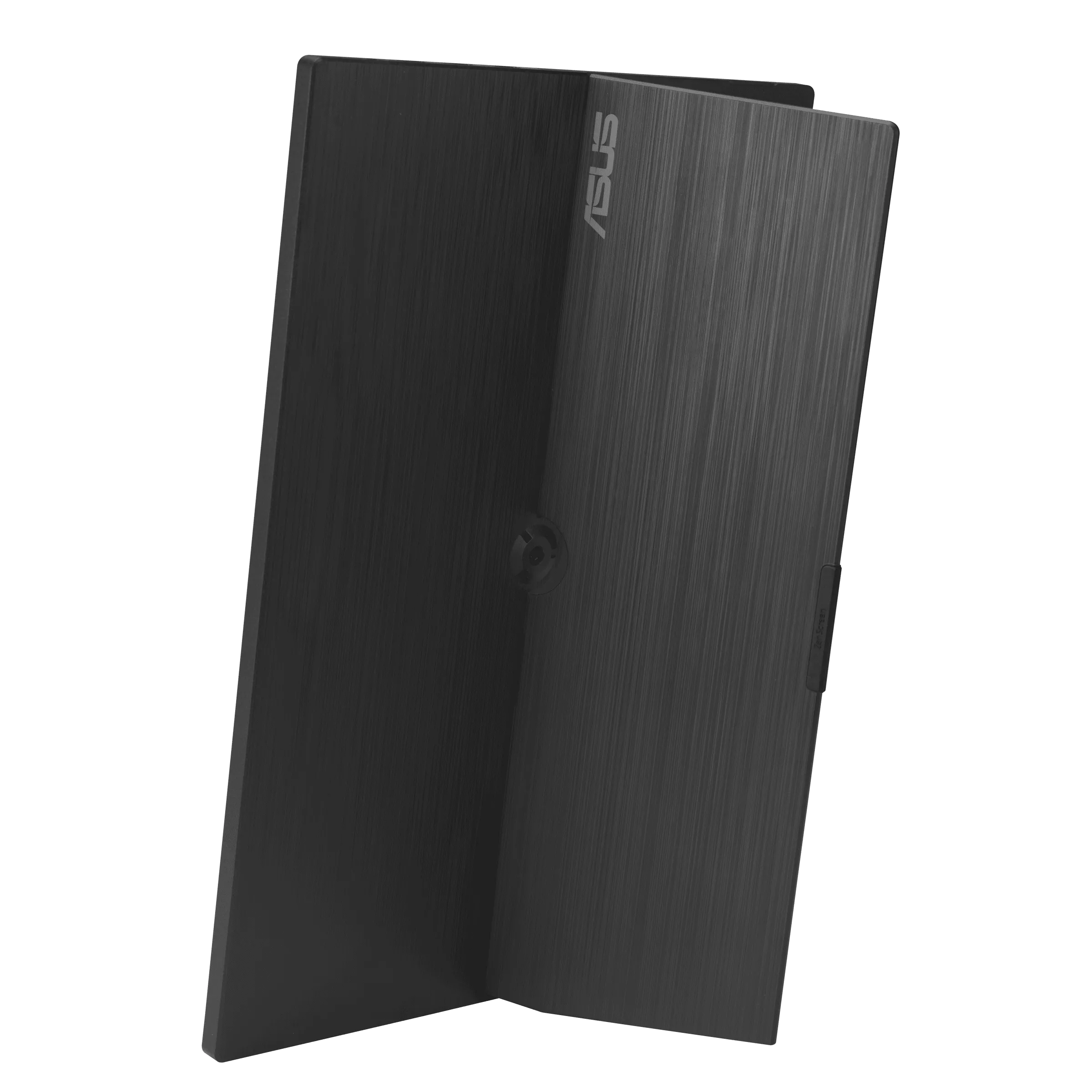
1/4″ Tripod Socket : Yes
- Height Adjustment : No
- Dimensions (Esti.)(vary by regions)
- Dimension (W x H x D) : 35.8 x 24.6 x 1.1 cm (14.09″ x 9.69″ x 0.43″)
Box Dimension (W x H x D) : 44.3 x 31.8 x 9.0 cm (17.44″ x 12.52″ x 3.54″)
- Dimension (W x H x D) : 35.8 x 24.6 x 1.1 cm (14.09″ x 9.69″ x 0.43″)
- Weight (Esti.)(vary by regions)
- Net Weight : 0.90 kg (1.98 lbs)
Gross Weight : 2.00 kg (4.41 lbs)
90 kg (4.19 lbs)
- Net Weight : 0.90 kg (1.98 lbs)
- Accessories (vary by regions)
- ZenScreen sleeve
Warranty Card
USB-C cable
Quick start guide
Power adapter
Mini HDMI to HDMI cable
- ZenScreen sleeve
- Certificate
- FSC MIX
TÜV Low Blue Light
TÜV Flicker-free
Energy Star
- FSC MIX
- Note
- The gross weight depends on the actual weight of the product.
*Box weight may vary from regions
- The gross weight depends on the actual weight of the product.
| Brand | |
|---|---|
| Screen Size | |
| Panel Type | |
| Aspect Ratio | |
| Curve Type | |
| Display Type | |
| Resolution. | |
| Refresh Rate | |
| Response Time | |
| Color | |
| Product Payment | |
| Call For Availability | |
| ***Note | " Features, Price And Specifications Are Subject To Change Without Notice. Images Use For Representation Purpose Only." |


There are no reviews yet.